






TikTok went from a music-lip-sync app to one of the biggest platforms on the planet, and if you still don’t have it figured out, you’re not alone. Learning how to use TikTok takes about 20 minutes of poking around — and then it basically runs itself. Here’s the full walkthrough, from downloading the app to […]
TikTok went from a music-lip-sync app to one of the biggest platforms on the planet, and if you still don’t have it figured out, you’re not alone. Learning how to use TikTok takes about 20 minutes of poking around — and then it basically runs itself. Here’s the full walkthrough, from downloading the app to posting your first video.
Getting Started With TikTok
First, download TikTok from the App Store (iPhone) or Google Play Store (Android). It’s free. Open it, and you’ll be asked to sign up — you can use your phone number, email, or log in with Google, Apple, or Facebook. Pick whatever you’re least likely to lose access to.
TikTok then asks for your birthdate (you need to be 13 or older) and suggests a username. You can change this later, so don’t overthink it. The app will immediately drop you onto the For You Page, or FYP — the endless scroll of videos TikTok picked for you.
Understanding the Home Screen
The interface looks busy at first, but it’s simple:
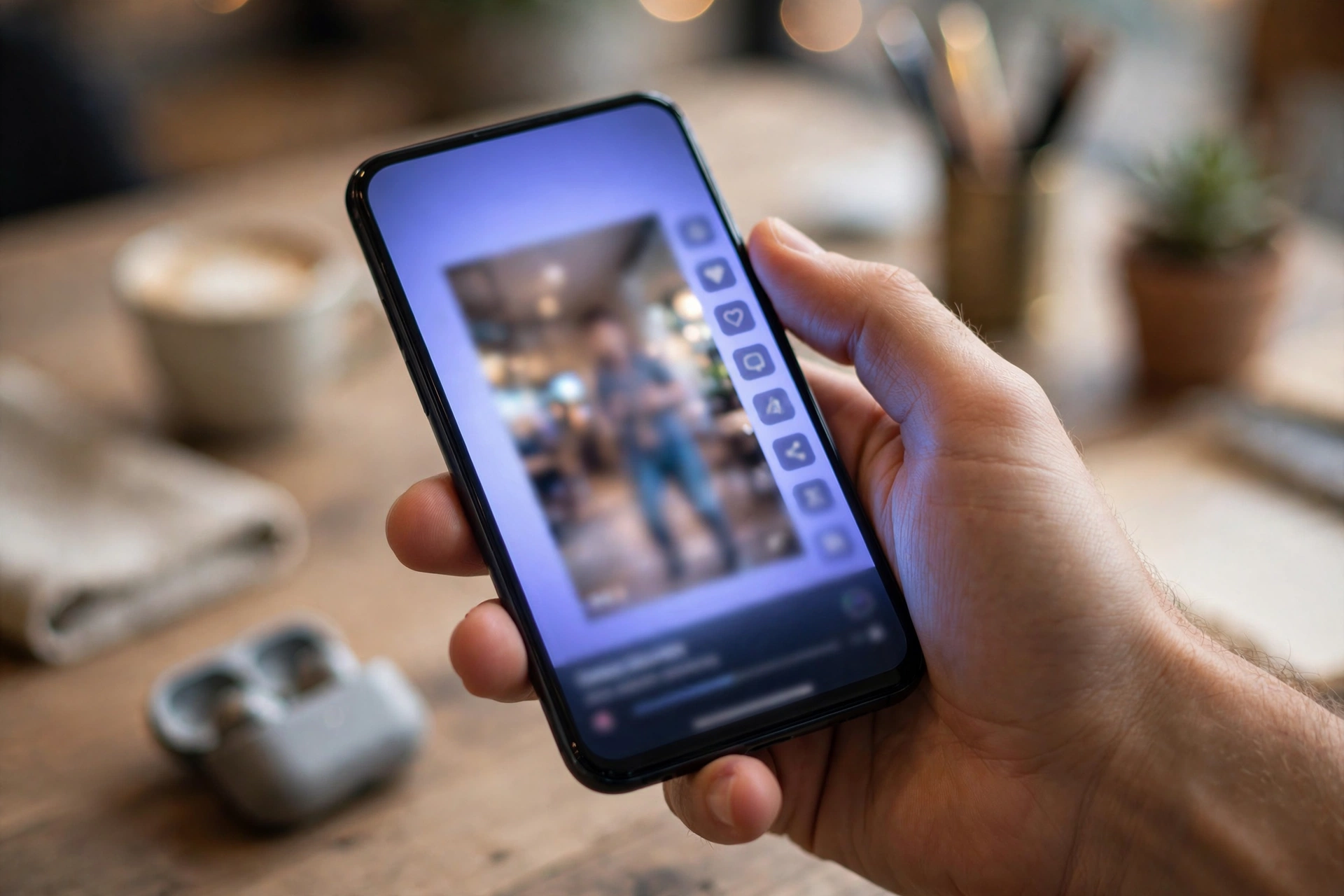
- For You Page (FYP): Your main feed. TikTok learns what you like from what you watch, like, and skip.
- Following: Only videos from accounts you follow, in chronological-ish order.
- Discover/Search: The magnifying glass. Search topics, hashtags, sounds, and accounts.
- Inbox: Likes, comments, new followers, and direct messages.
- Profile: Your videos, liked videos, and settings.
Swipe up to move to the next video. Double-tap to like. Swipe left on a comment thread to get back to the video.
How to Customize Your For You Page
TikTok’s algorithm watches what you actually watch. If you linger on cooking videos, you’ll get more cooking videos. To train it fast:
- Like and comment on videos you enjoy.
- Follow creators whose stuff you like.
- Long-press a video and tap “Not interested” on stuff you don’t want.
- Use the Discover tab to search for your actual interests — hiking, baking, coding, whatever.
Give it a few days. The FYP goes from random to weirdly accurate.
Posting Your First TikTok Video
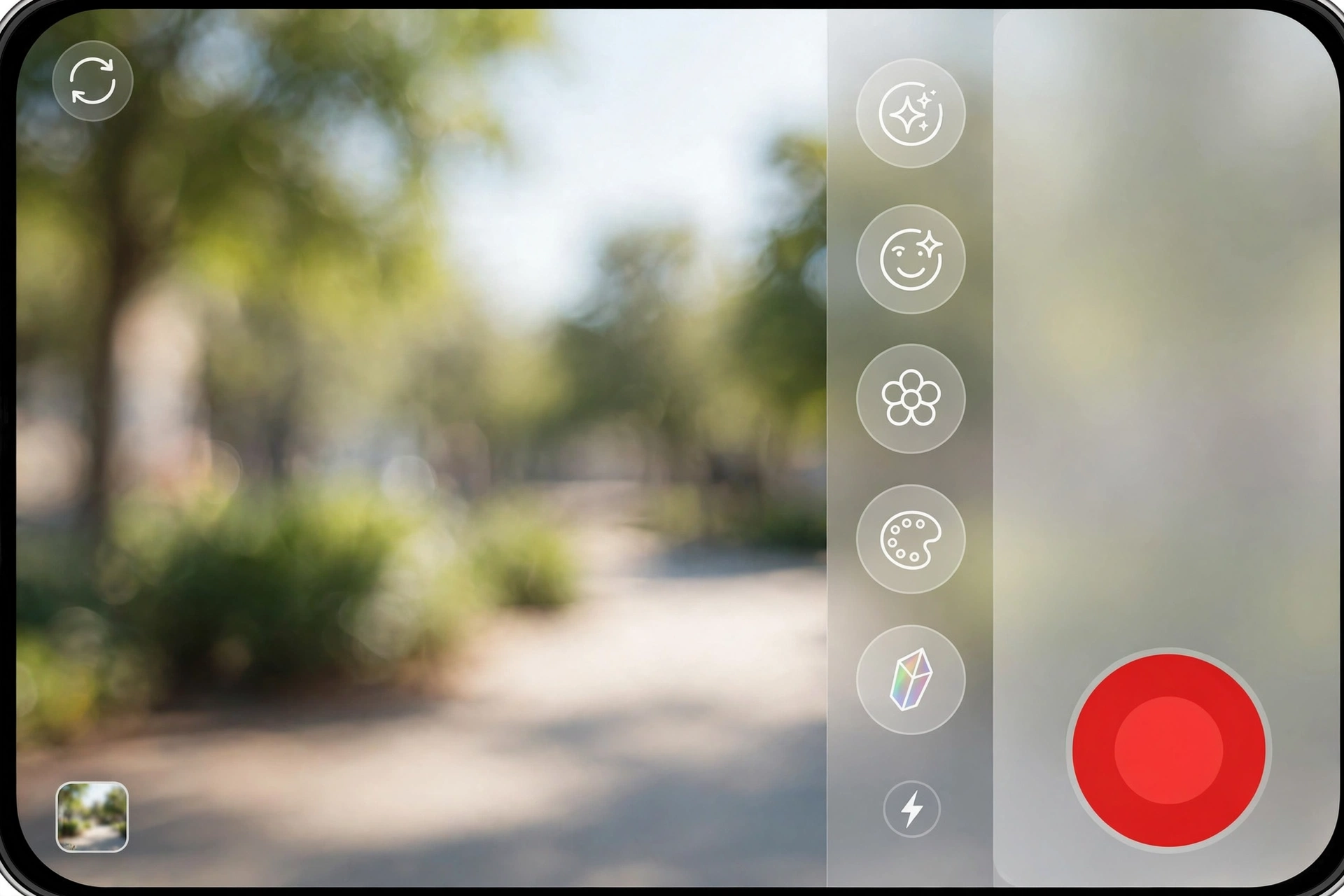
Tap the + button at the bottom center. The camera opens. Here’s what to do:
- Pick a length: Tap the timer options (15 seconds, 60 seconds, up to 10 minutes). For a first video, 15–30 seconds is plenty.
- Add a sound: Tap “Add sound” at the top. Trending sounds get more views, and TikTok shows which songs are popular right now.
- Record: Hold the big red button to record, or tap it once to start and again to stop. You can record multiple clips and TikTok stitches them together.
- Use effects and filters: The Effects button (left side) gives you face filters, green screens, and text overlays. Filters change the color and look of your video.
- Edit: After recording, trim clips, add text with the text button, or use auto-captions (highly recommended — many people watch on mute).
- Post: Add a caption, a few hashtags (3–5 is fine, don’t stuff 30 in there), choose a cover frame, set who can watch, and hit Post.
Privacy Settings Worth Knowing
Before you post much, check Settings and privacy (tap the three lines on your profile page). A few things to set early:
- Private account: Only approved followers see your videos. Good if you’re just experimenting.
- Who can comment / duet / stitch: You can limit these to friends or turn them off per video.
- Direct messages: Restrict to people you follow back.
Also know this: if you watch a lot of TikTok without an account, TikTok still tracks a lot — signing up and setting limits is honestly better.
Tips to Grow on TikTok
Nobody owes you views, but these genuinely help:
- Post consistently. Even one video a day beats five videos once a month.
- Hook the first 2 seconds. People decide fast. Start with the interesting part, not “hey guys.”
- Use trending sounds early. Trends die in days, sometimes hours.
- Reply to comments with videos. It’s a built-in feature and it gets traction.
- Keep it real. Over-polished content often does worse than something shot on a phone in one take.
FAQs
Is TikTok free to use? Yes, completely. There are optional in-app purchases (coins for tipping creators), but watching, posting, and messaging cost nothing.
How old do you have to be to use TikTok? You need to be 13 to create an account. Users under 18 get a more restricted experience by default, and live streaming is limited to 18+.
Can I use TikTok without posting anything? Absolutely. Millions of people just watch. You don’t have to post a single video to enjoy the For You Page.
How do I delete a TikTok video? Open your profile, tap the video, tap the three dots, and select Delete. It’s gone permanently — no recycle bin — so be sure before you tap.
Internal links:
- Getting used to a new phone? Read How to Clear Cache on iPhone to keep TikTok running smooth.
- Want out of another platform? Here’s How to Delete Instagram Account.
- Need to capture something from your screen? See How to Screenshot on Chromebook.



2 Comments