



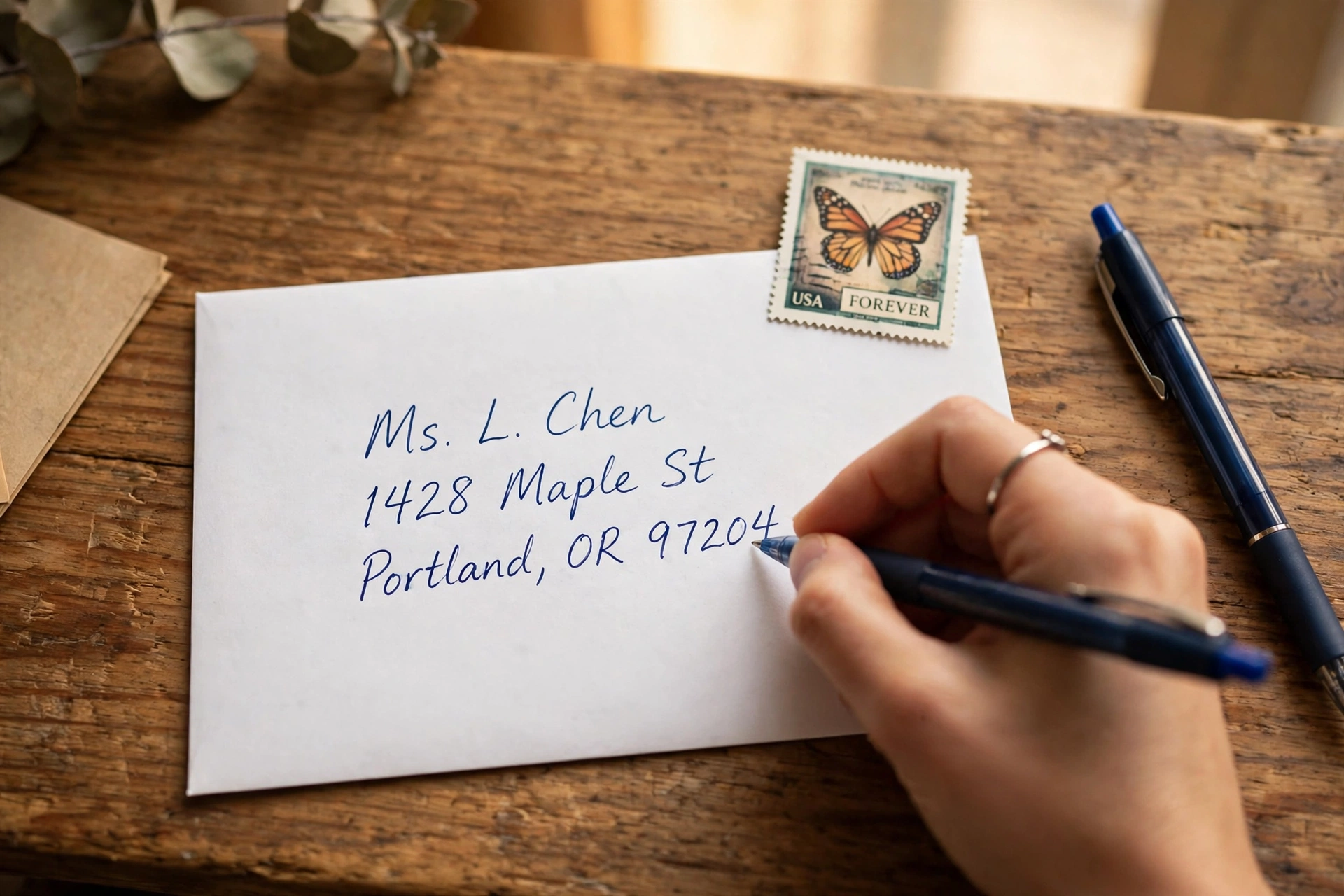
If you're not sure how to address an envelope, you're not alone. Plenty of people pay rent online and email everything else, so the first time they need to mail a real letter — a birthday card, a check, a job application — they stare at a blank envelope and draw a blank. The good […]
If you're not sure how to address an envelope, you're not alone. Plenty of people pay rent online and email everything else, so the first time they need to mail a real letter — a birthday card, a check, a job application — they stare at a blank envelope and draw a blank.
The good news: there is exactly one right layout, and it takes about two minutes to learn. Here it is.
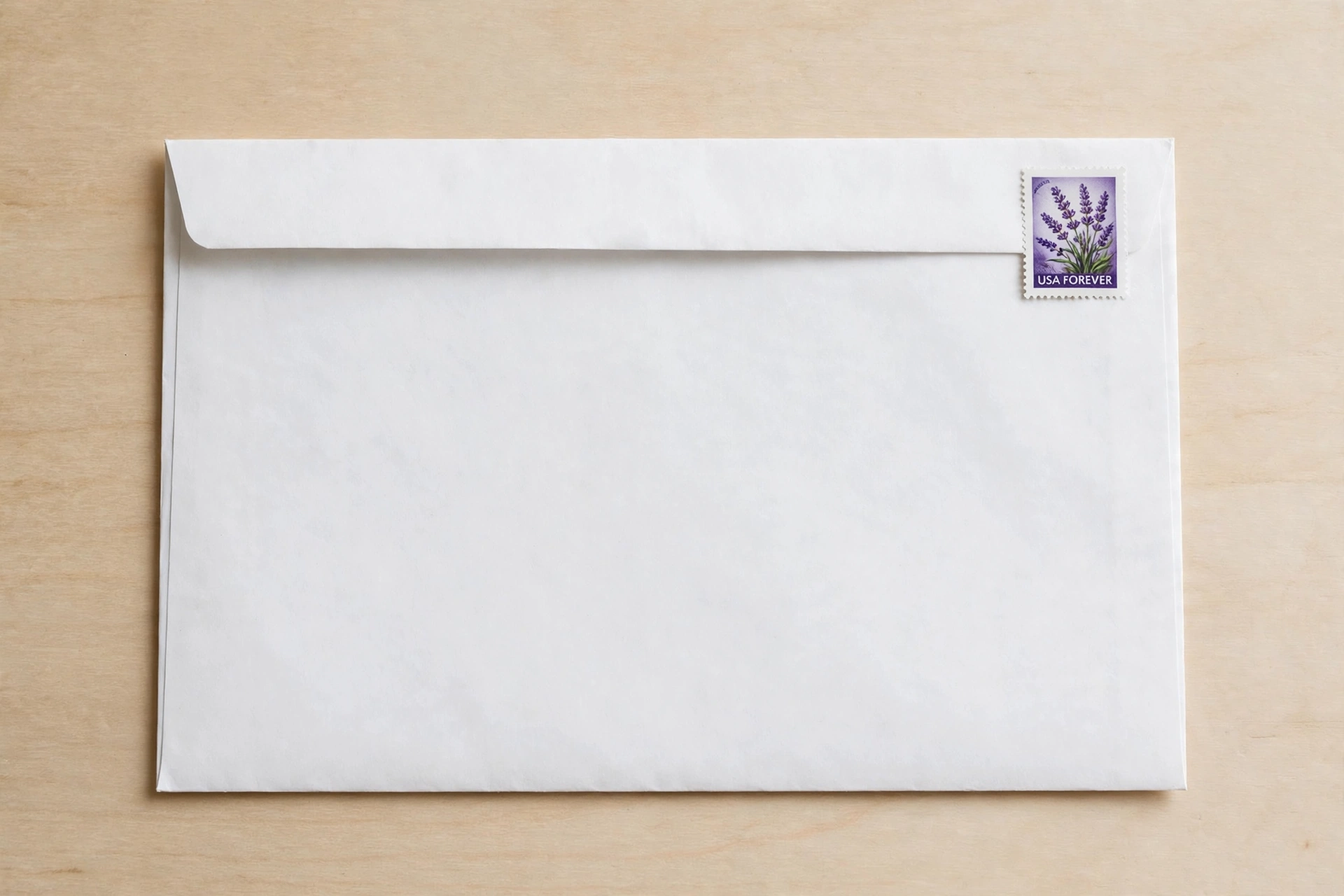
The three zones of an envelope
Before you write anything, know where everything goes. Every US envelope has three zones:
- Top-left corner: your return address (the sender).
- Center: the recipient's address. The sorting machines read this first.
- Top-right corner: the postage stamp. Keep that corner clear.
If the machines can't make sense of the center of the envelope, your letter gets delayed or sent back — which is exactly why the return address matters.
Step 1: Write your return address in the top-left corner
In the upper-left corner, write your full name on the first line, your street address on the second, and your city, state, and ZIP on the third:
“` Jamal Rivera 1420 Birchwood Ave, Apt 4B Austin, TX 78745 “`
You can technically skip the return address, but don't. If the recipient moved or you mistyped a ZIP, the letter comes straight back to you instead of vanishing into a dead-letter pile.
Step 2: Write the recipient's address in the center
Center this block about halfway down the envelope, one piece of information per line:
“` Mrs. Dana Whitfield 8900 Harbor View Drive, Suite 210 Seattle, WA 98101 “`
Name first — full name, spelled the way the person writes it. For a business, use the company name plus a person or department ("Attn: Priya Sharma," "Customer Service") so it lands on the right desk.
Line two is the street address, all of it: house or building number first, then street name, then the apartment, suite, or unit number. "1420 Birchwood Ave" alone won't cut it in an apartment building — without "Apt 4B," your letter reaches the building and stops.
Step 3: Keep city, state, and ZIP on one line
The bottom line has a strict format: city, state, ZIP — in that order, all on one line. Write the state as its two-letter abbreviation (TX, not Texas) and double-check the ZIP. Sorting machines route mail primarily by ZIP, so a wrong digit can send your letter to the wrong state before anyone notices.
Know the full ZIP+4 (like 78745-2130)? Use it — it speeds up sorting. If not, the standard five digits work fine.
Step 4: Put the stamp in the top-right corner
One First-Class stamp goes in the upper-right corner. The scanners expect postage there; a stamp anywhere else can force manual handling and slow things down.
One stamp covers a standard letter (one ounce or less) anywhere in the US. A heavier envelope needs additional postage. When in doubt, have it weighed at the post office. A letter returned for insufficient postage often loses a week.
Common mistakes that delay mail
- Mixing up the zones. The scanner reads the center as the destination. A centered return address sends the letter to the wrong place — or back to you.
- Sloppy handwriting. The machines read clear printed capitals best. Write in dark ink, and skip the glitter pen. Truly illegible? A printed label works better.
- Abbreviating the state wrong. "Cal." or "Cali" instead of CA can confuse automated systems. Use the official two-letter abbreviations.
- Forgetting the unit number. The most common reason a letter reaches the right building and never finds the person.
- Putting the stamp anywhere creative. Top-right. That's it.
Personal vs. business envelopes
The layout never changes — only the details. Business mail adds the company name and department in the recipient block, and the return address carries the company name and office address instead of a home address. If you're mailing a check, it helps to know how to write a check correctly first — a properly written check in a properly addressed envelope means zero delays on either end.
And if you put things in writing more than most — maybe you're working on a novel — this beginner's roadmap to writing a book breaks that process into steps as plain as these.
Frequently Asked Questions
Does the return address have to be in the top-left corner?
It's not legally required, but it's the standard USPS expects. Without it, a letter that can't be delivered has nowhere to go back to. Always include it for anything you don't want to lose.
What happens if I put the stamp in the wrong place?
The letter may still go through, but automated sorters look for postage in the top-right corner. A misplaced stamp can force manual processing, which slows delivery — or the envelope gets flagged and returned.
Can I type the address instead of handwriting it?
Yes — and typed or printed addresses are actually easier for sorting machines to read. A clean printed label is perfectly acceptable, often more reliable than shaky handwriting.
Do I need the full nine-digit ZIP code?
No. The standard five-digit ZIP works fine. ZIP+4 just helps the post office sort a little faster. If you know it, use it; if not, don't worry about it.