






If you want to know how to deactivate Instagram without losing everything you have built up, there is a middle option between keeping the app and deleting your account for good. Deactivating hides your profile, photos, comments, and likes until you decide to come back, and nothing gets wiped in the meantime. It suits a […]
If you want to know how to deactivate Instagram without losing everything you have built up, there is a middle option between keeping the app and deleting your account for good. Deactivating hides your profile, photos, comments, and likes until you decide to come back, and nothing gets wiped in the meantime. It suits a break from scrolling, a quiet stretch before exams, or a busy period at work.
Deactivation Is Not the Same as Deletion
Deactivating is temporary. Your profile disappears from search, your posts and stories stop showing, and other people cannot interact with the account normally. Behind the scenes, Instagram keeps your photos, followers, following list, and messages saved. Log back in, and it all comes back.
Deleting is permanent. Once deletion goes through, your profile, photos, videos, comments, likes, and followers are removed for good. If you are sure you never want the account again, read our guide on how to delete an Instagram account instead. If you only need a break, deactivation is the safer move.
Before You Deactivate: Two Quick Checks
First, make sure you know your password. You need it to confirm the deactivation and again to log back in. If you normally sign in with Face ID or a saved password, reset it now while you still have full access.
Second, consider downloading a copy of your data from Settings. Deactivation should not delete anything, but having your own copy of years of photos is sensible.
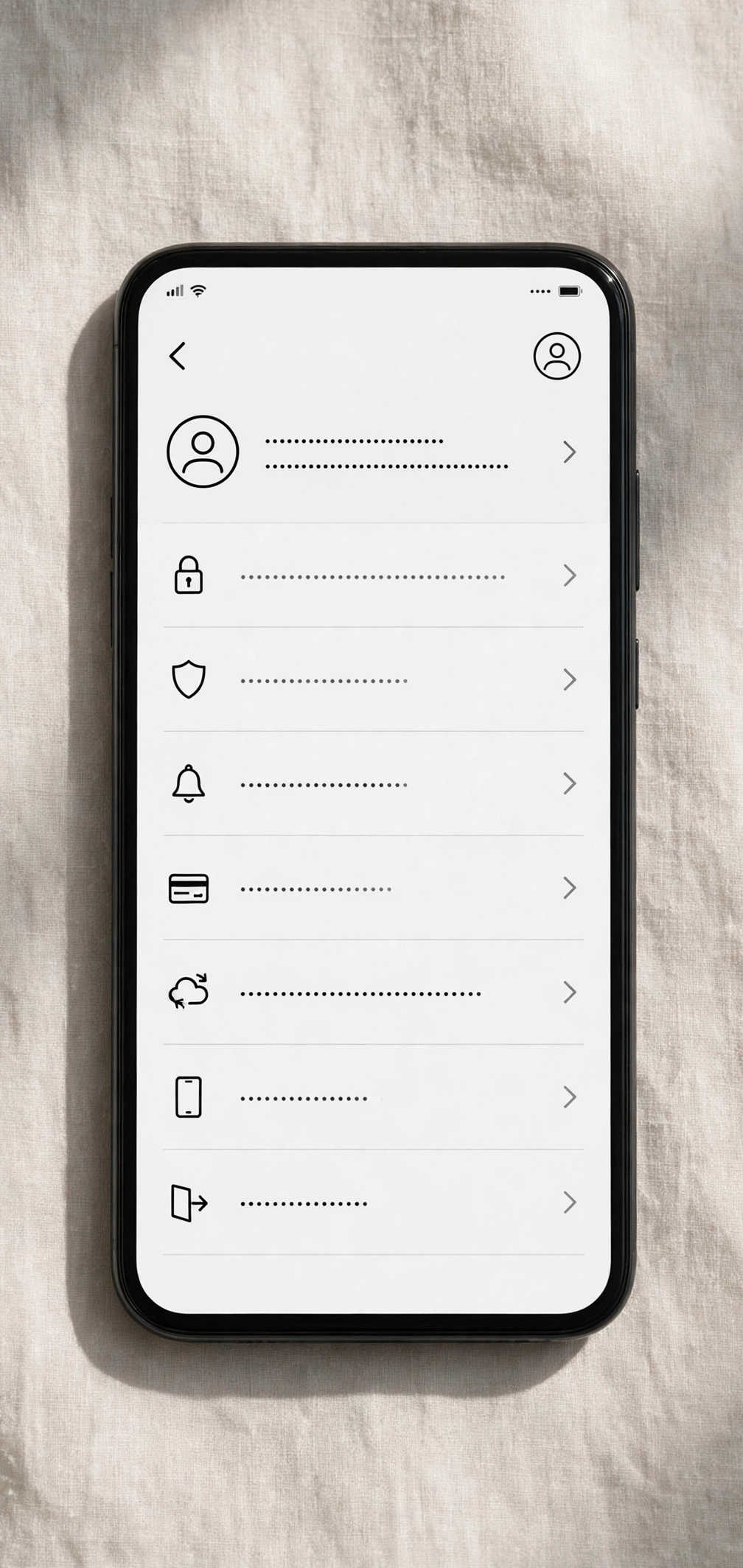
How to Deactivate Instagram on the Mobile App
Instagram moved this setting into the Accounts Center. The steps are the same on iPhone and Android:
- Open Instagram and tap your profile picture in the bottom right.
- Tap the three lines (menu) in the top right, then tap Settings and privacy.
- Tap Accounts Center, then Personal details.
- Tap Account ownership and control, then Deactivation or deletion.
- Select the account you want to deactivate.
- Choose Deactivate account, then tap Continue.
- Pick a reason from the list Instagram shows. This step is required, but your reason does not change how deactivation works.
- Enter your password and tap Deactivate account to confirm.
The moment you confirm, your profile goes dark and will not show up in search.
If the app is acting up while you try this, a cleanup can help — see our guide on how to clear the cache on iPhone.
How to Deactivate Instagram on a Web Browser
On a laptop or desktop, log in at instagram.com, then follow the same Accounts Center path: More > Settings > Accounts Center > Personal details > Account ownership and control > Deactivation or deletion. Pick your account, choose Deactivate account, pick a reason, enter your password, and confirm. The result is identical to the app.
What Happens to Your Profile, Posts, and Messages
While your account is deactivated:
- Your profile, posts, reels, and stories are hidden from everyone, including your followers.
- Your comments and likes disappear from view too, and return when you reactivate.
- People cannot find you through search or send new follow requests.
- Your direct messages are not deleted, but the other person sees your account as unavailable until you return.
- Your username is held for you; nobody else can claim it while you are deactivated.
Note that a cached post or comment can take a short while to vanish from someone else’s feed, even though your profile is hidden right away. That is normal.
How to Reactivate Your Instagram Account
Just open the Instagram app or website and log in with your username and password. Your profile, posts, followers, and messages should be back as they were. Note that Instagram sometimes asks you to wait a few hours after deactivation before logging back in works, so try again later in the day if you get an error right away.
The Once-a-Week Deactivation Limit
Instagram only lets you deactivate your account once a week. If you deactivate, reactivate, and then change your mind again the next day, you will be blocked from deactivating a second time until a full week has passed since the first deactivation.
If you are unsure whether you want a break, sit with the decision for a day first. A week with no option to re-hide the account is fine if you plan for it, but annoying if you reactivate on impulse and regret it.
What to Do If You Cannot Log Back In
Most reactivation problems come down to a few causes:
- Wrong password: Use the “Forgot password?” link and reset it through your email or phone number.
- Logged in too soon: Wait a few hours after deactivation and try again.
- Identity check: Instagram may ask you to verify yourself with a code sent to your email or phone.
- App glitch: Update Instagram, restart your phone, and try again — or use instagram.com in a browser instead.
If none of that works after 24 hours, use the “Need more help?” option on the login screen. Stick with the email or phone number you originally signed up with.
If the goal is real distance — a month off, a detox, or time to focus — deactivation does the job properly, and it costs nothing to undo.
Frequently Asked Questions
Does deactivating Instagram delete my photos?
No. Deactivation only hides your account. Your photos, videos, followers, and messages stay saved on Instagram’s side, and they return when you log back in. Deletion is the option that removes content permanently.
How long can I keep my Instagram account deactivated?
There is no set time limit. You can leave your account deactivated for weeks or months and reactivate it whenever you are ready by logging back in. Your username stays reserved for you in the meantime.
Can people still see my messages when my account is deactivated?
Your existing conversations are not deleted, but the other person will not be able to interact with your account normally while it is deactivated. Once you reactivate, your chats work as before.
Can I deactivate Instagram more than once?
Yes, but only once per week. Instagram blocks a second deactivation until a full week has passed since the last one, so plan your break with that limit in mind.